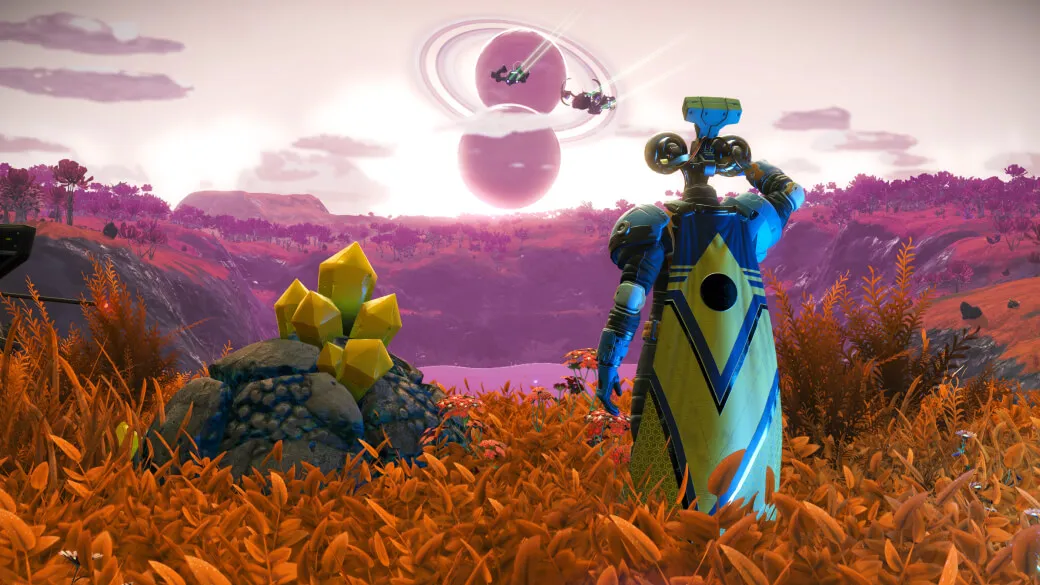
No Man’s Sky continues to evolve with the release of the Echo update. One of the latest additions in the Echo update is a new race of mysterious beings called the Autophage. They are also known as “They Who Returned”, and they have a hidden story that you can unlock and explore.
However, many players are struggling to start the Autophage mission, and there seems to be some confusion about the requirements and the steps to trigger it. In this article, I will share my experience and tips on how to start the new Autophage story in No Man’s Sky.
Table of Contents
How To Start the Autophage Story in No Man’s Sky
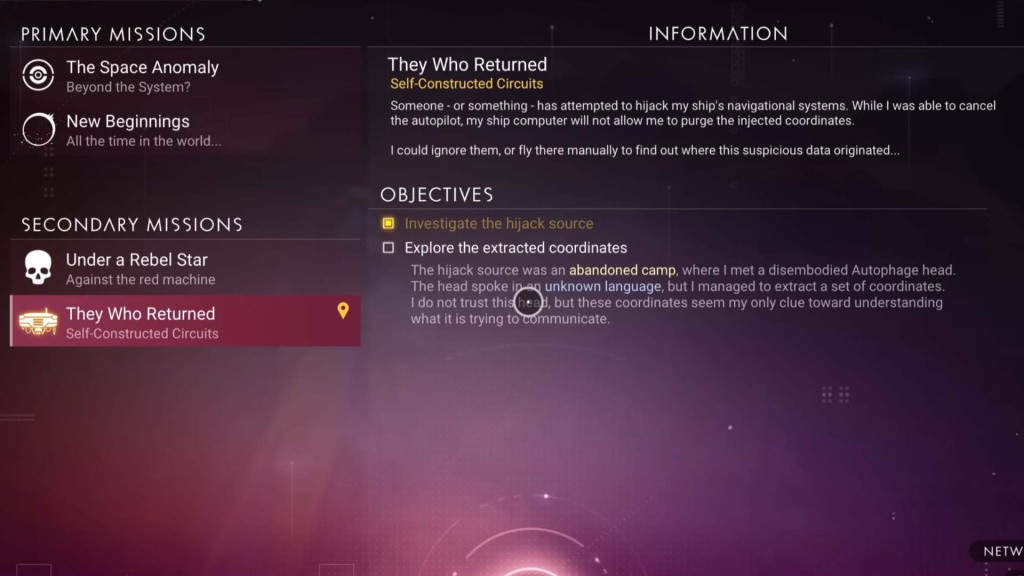
The Autophage story isn’t very obvious or easy to come across. There won’t be any notifications or prompts to initiate it. Instead, you’ll have to do some exploration and discover it on your own.
To begin, complete one of the story missions in No Man’s Sky. It doesn’t matter which one you choose, as long as you reach its conclusion. Personally, I finished the Atlas Path. You can also complete the Artemis Path or the Starbirth quest.
After finishing one of these story missions, warp to a desolate system. A desolate system is one that lacks a space station, lifeforms, and planets with atmospheres. You can locate these systems by using an Indium Drive or an Emeril Drive on your starship and searching for systems with red or green stars.
Upon warping to a desolate system, you should receive a message on your communicator from an unknown source. The message will read something like, “We see you. We are waiting.” This indicates that you’ve triggered the Autophage story.