Error codes are inevitable in online games, and Call of Duty: Modern Warfare 2 is no exception. Following the release of the Season 1 reloaded update, many COD players are reporting an unusual Dev Error 11557, with those playing on console among the more vulnerable users.
Luckily, game developers Infinity Ward acknowledged this issue and shared a potential fix to eliminate the problem. So if you’ve also been affected by the Modern Warfare 2 Dev Error 11557, here’s all you need to know about fixing it.
Modern Warfare 2 – Dev Error 11557 Code Fix
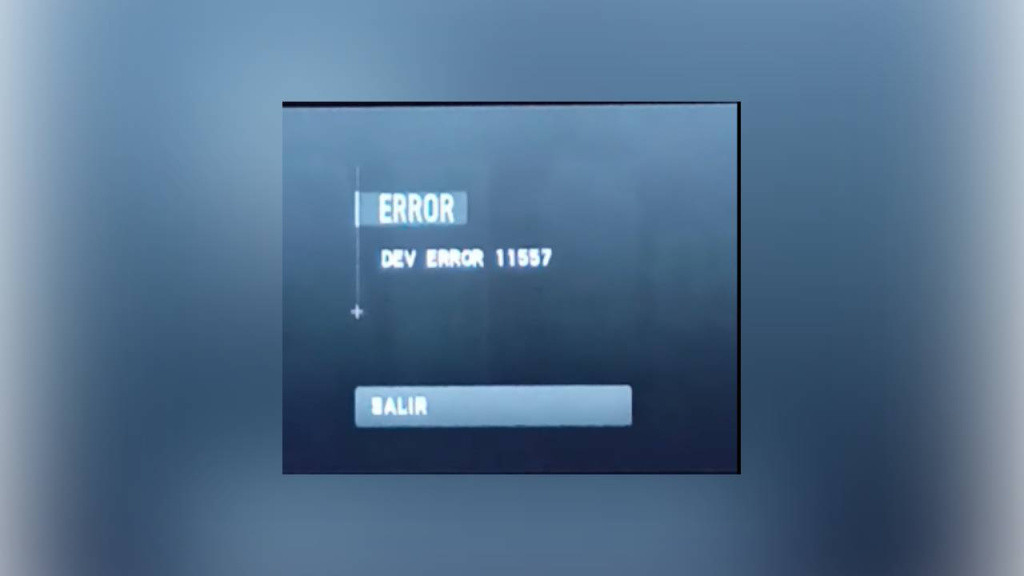
According to developer Infinity Ward, the Dev Error 11557 code appears when Modern Warfare 2’s game files are corrupted. It usually happens when the game isn’t properly updated to the latest version or the system is unexpectedly turned off during the update process.
Here are the potential fixes suggested by Infinity Ward to fix Dev Error 11557:
Reinstalling Modern Warfare 2
The first way to fix this error is by reinstalling the game to repair the corrupted files. If you have installed the game through the Steam launcher, then we advise verifying the game files via these steps:
- From the Steam Launcher, right-click on the game from the Library and select Properties from the menu.
- Select the Local files tab and click Verify integrity of game files.
- Steam will verify the game’s files. This process may take several minutes.
- Once the process is completed, the Check Window will automatically exit.
Players repeatedly encountering Dev Error 11557 message may have a corrupted file, which should be addressed by reinstalling the game.
— Infinity Ward (@InfinityWard) December 17, 2022
On-Demand Texture Streaming
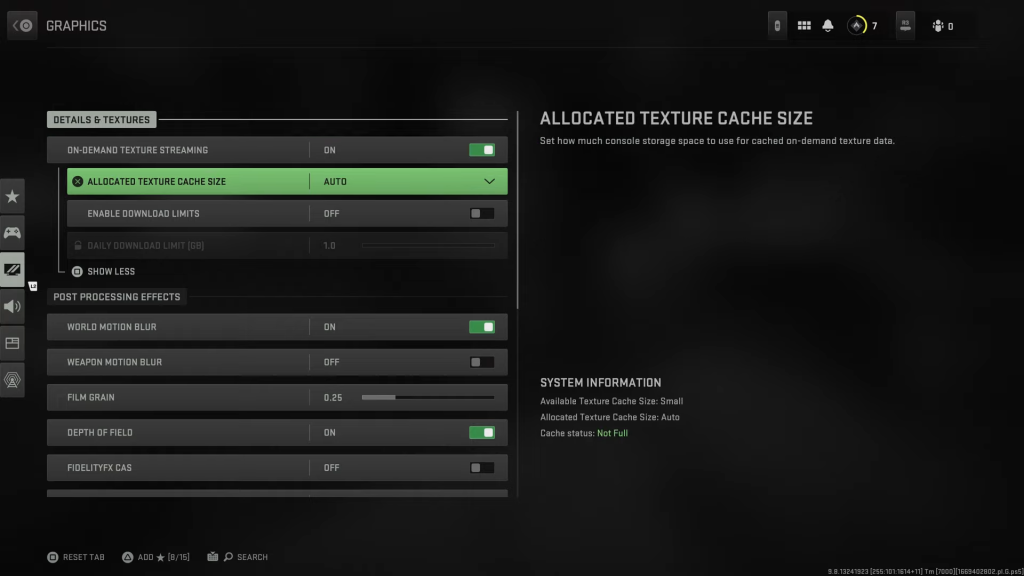
If the Dev Error 11557 code persists even after reinstalling the game, the corrupted file could likely be in the streamer cache. In this case, Infinity Ward has advised setting the On-Demand Texture Streaming option to the “minimum” option. On that note, here are the steps to do the same:
-
Launch the game
-
Go to Settings > Graphics
-
Click on more options and find On Demand Texture Streaming
-
Set the cache size to medium or small
So that’s everything you need to know about fixing dev error 11557 in Call of Duty: Modern Warfare 2.