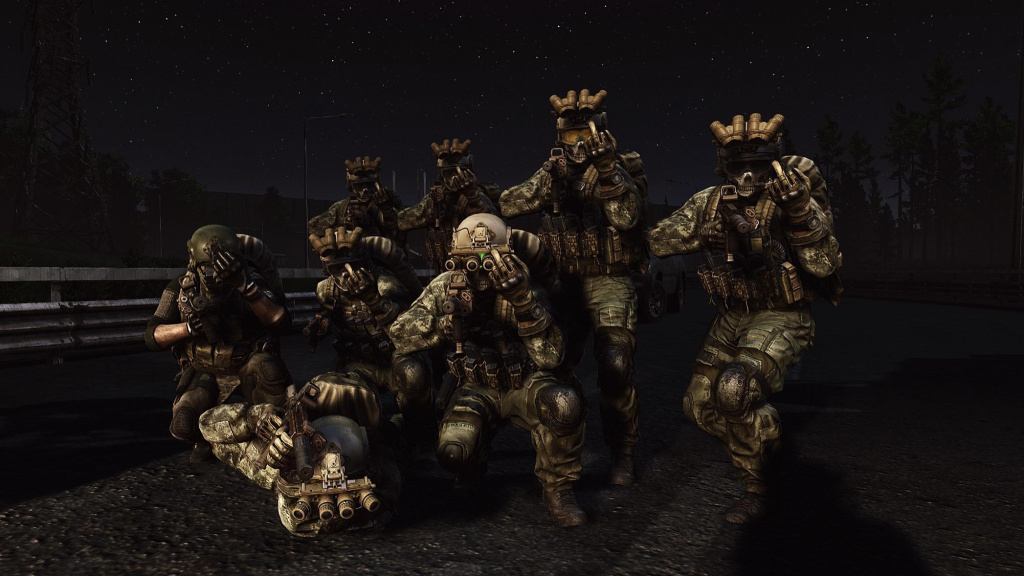
Escape from Tarkov has a plethora of settings to choose from, allowing players to tamper with POST FX and general graphics. POST FX can enable advantages for specific players who know what they’re doing, allowing them to obtain a potential visual advantage over their enemies. Graphics, however, can provide players with a smooth or bumpy experience depending on what PC specifications they obtain, causing players to be running at high or low FPS.
Escape from Tarkov allows all players to change whatever settings they desire to provide the best aesthetical overlay, giving players more creative freedom and unfortunately advantage over their enemies. Within this guide, we’re going to tell you four separate in-game settings best suited for the following categories: competitive, low-spec, mid-spec, and high-spec. Competitive settings will give players an advantage over their enemies, but perhaps aesthetically aren’t desirable.
Table of Contents
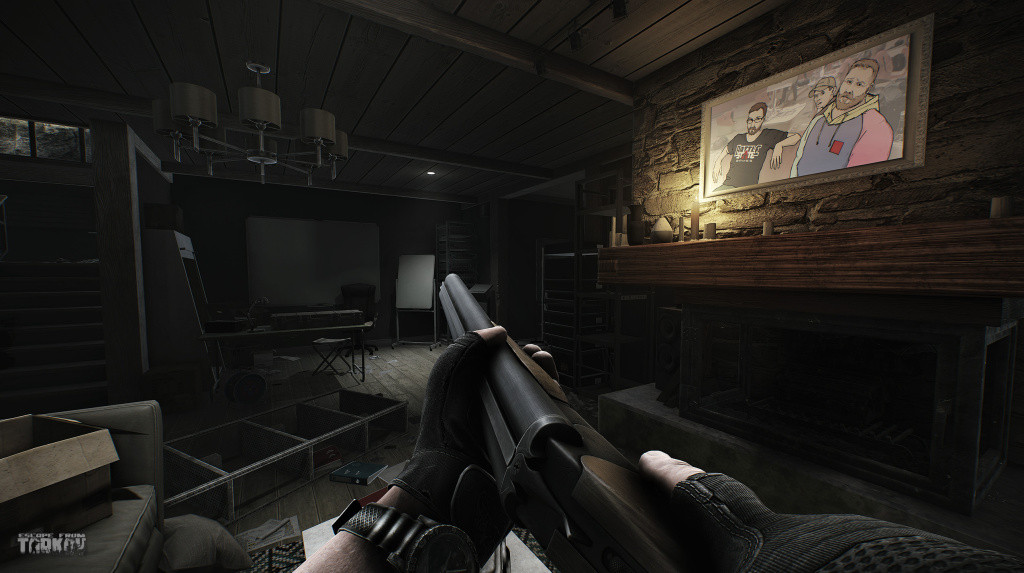
What Are the Best Settings for Escape from Tarkov
Depending on your PC, you should alter your settings accordingly to provide the best visual aesthetics and in-game performance. For most, changing settings isn’t quite that simple, hence why we have created the best optimal settings below.
Please keep in mind, the majority of POST FX settings will not hinder FPS. The POST FX settings have been selected to complement and adjust the settings profile. For example, low settings POST FX has been selected to make the game appear more aesthetically pleasing than default graphical settings. It is acceptable for players to change the POST FX accordingly, however, it might dramatically change your visual Escape from Tarkov experience, therefore it’s recommended you look for a specific FX guide or follow the suggestions below.
Finally, please remember to turn Binaural audio off, despite being an audio setting, binaural audio is known to dramatically hinder FPS and tamper with PC performance.
Best Competitive-Spec Tarkov Settings
POST FX
- Brightness: 0
- Saturation: -10
- Clarity: 0
- Colorfulness: 80
- Luma: 0
- Adaptive: 0
- Grading: Owl
- Intensity: 50
Graphics:
- Resolution: 1920×1080
- Texture q: Medium
- Shadows q: Low
- Object LOD: 2
- Overall visibility: 1000
- Anti-aliasing: TAA
- Resampling: 1x off
- AMD/NVIDIA: OFF
- HBAO: OFF
- SSR: OFF
- Anisotropic filter: on
- Nvidia reflex low: on + boost
- Sharpness: 0.7
- High-quality color: off
- FOV: 75
- Head Bobbing: 0.2
AUDIO
- Binaural audio: off
Best Low-Spec Tarkov Settings
POST FX
- Brightness: 0
- Saturation: 100
- Clarity: 0
- Colorfulness: 100
- Luma: 100
- Adaptive: 0
- Grading: Montreal
- Intensity: 100
- Colorblind mode: Tritanopia
- Intensity: 63
Graphics:
- Resolution: 1920×1080
- Texture q: Medium
- Shadows q: Low
- Object LOD: 2
- Overall visibility: 1000
- Anti-aliasing: off
- Resampling: 1x off
- AMD/NVIDIA: OFF
- HBAO: OFF
- SSR: OFF
- Anisotropic filter: off
- Nvidia reflex low: on + boost
- Sharpness: 0.6
- High-quality color: off
- FOV: 75
- Head Bobbing: 0.2
AUDIO
- Binaural audio: off
Best Mid-Spec Tarkov Settings
POST FX
- Brightness: 0
- Saturation: -10
- Clarity: 0
- Colorfulness: 80
- Luma: 0
- Adaptive: 0
- Grading: Owl
- Intensity: 50
Graphics:
- Resolution: 1920×1080
- Texture q: Medium
- Shadows q: Medium
- Object LOD: 2
- Overall visibility: 1000
- Anti-aliasing: TAA High
- Resampling: 1x off
- AMD/NVIDIA: OFF
- HBAO: max performance
- SSR: OFF
- Anisotropic filter: on
- Nvidia reflex low: on + boost
- Sharpness: 0.5
- High-quality color: off
- FOV: 75
- Head Bobbing: 0.2
AUDIO
- Binaural audio: off
Best High-Spec Tarkov Settings
POST FX
- Brightness:100
- Saturation: 40
- Clarity: 70
- Colorfulness: 10
- Luma: 50
- Adaptive: 0
- Grading: Cognac
- Intensity: 50
Graphics:
- Resolution: 1920×1080 (1440p/4K if desired)
- Texture q: High
- Shadows q: Ultra
- Object LOD: 2.5
- Overall visibility: 1500
- Anti-aliasing: TAA high
- Resampling: 1x off
- AMD/NVIDIA: OFF
- HBAO: High
- SSR: High
- Anisotropic filter: per texture
- Nvidia reflex low: on
- Sharpness: 1.5
- High-quality color: On
- FOV: 75
- Head Bobbing: 0.2
AUDIO
- Binaural audio: off