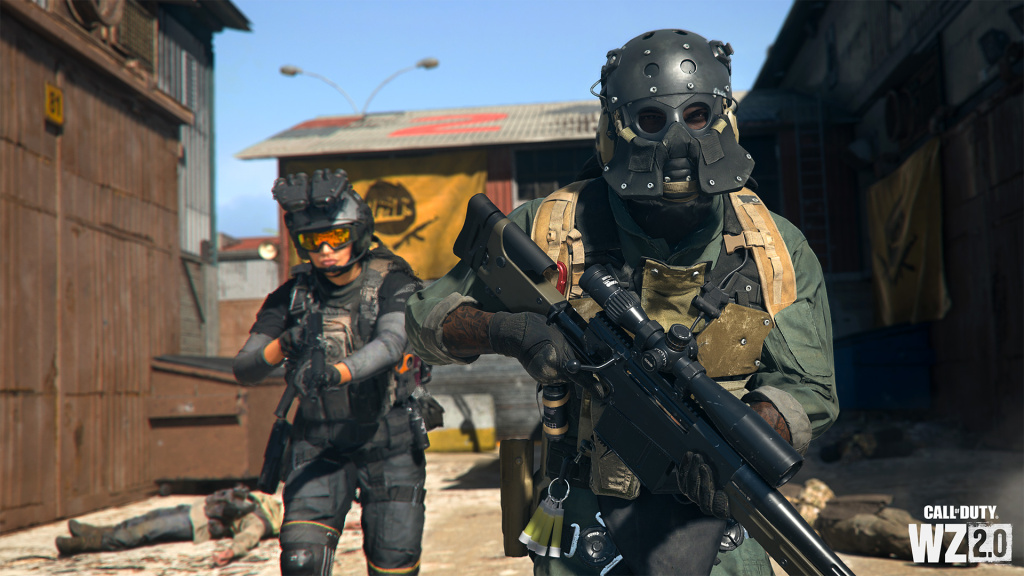
Call of Duty: Warzone 2 is here with a bunch of new features while bringing the core gameplay and weapons from the previous version of the game. However, you might not be able to find some of these features at their usual places because Activision has either shifted them to some other place or renamed them.
One of these is the Contextual Tap which lets you prioritize one action over the other. For example, you can prioritize the interaction instead of reloading so that if you are trying to pick any item or want to open a door, you will not end up accidentally reloading your gun. Contextual Tap was enabled by almost every Warzone player to avoid any mistakes in challenging situations.
However, you might not be able to find it in Warzone 2 because it is now called Interact/Reload Behavior, and here is how you can enable it.
How To Turn On Contextual Tap In Warzone 2
In order to enable it, you will have to head to the in-game settings, and from there, you will have to go to the Controller Settings. Scroll down to find the “Interact/Reload Behavior “option and click on it. Now, select the desired option, which is either Prioritize Interact or Prioritize Reload.

If you choose Prioritize Interact, you will be able to use the button to interact with items and objects, for example, to pick items, to open/close doors, and more. However, if you choose the other option, you can reload your weapon with a single tap on the button, and you won’t have to wait for the prompt to appear.
For more Call of Duty news, be sure to check out our dedicated section or some of our MW2 Guides & Tutorials below:
Modern Warfare 2 Guides – Jack Links Skin | Unlock All Operators | Check Server Status | Get Twitch Drops | Post-Credit Scene Explained | Unlock Gold Camo | Get Burger Town Operator | MGB Nuke | Unlock Every Weapon | All Killstreaks| Safe Code Locations|Check KD Ratio|XP Farm Trick|Chopper Gun Glitch|Weapon Tuning|Change Name Color|Hardcore Tier 1 Mode| Turn Off Crossplay|Steam Deck|
Modern Warfare 2 Fixes & Issues-Best NVIDIA GeForce Drivers | Dev Error 6036 | MW2 Missing Items | Unlimited Tactical Sprint Bug | Stuck On Installing Bug | Display Name Not Allowed Bug|Gold Camo Not Unlocking|Voice Chat Not Working|
Featured image courtesy of Activision.